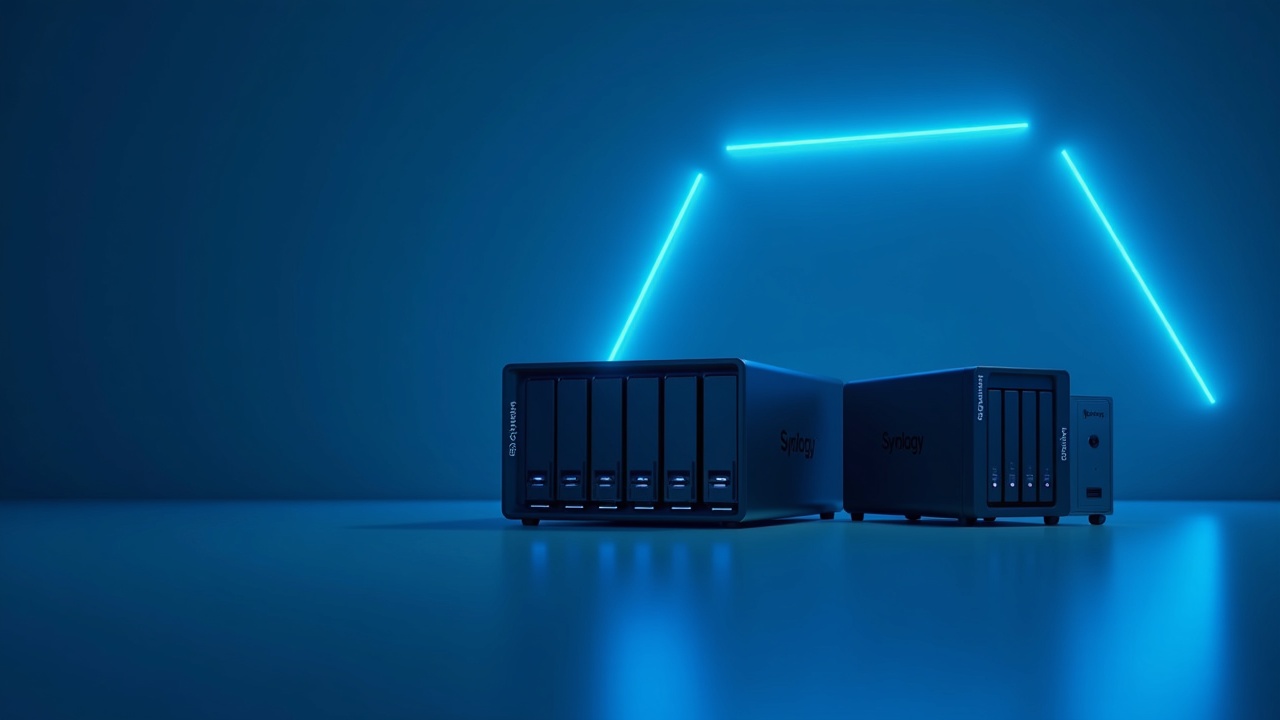
Synology vs UGREEN NAS: Which Is Worth It in 2026?
Same ~$620, but UGREEN's 10GbE moves data nearly four times faster than Synology's DS925+. So why would anyone still pick the slower box? One word: software.
Two four-bay NAS boxes, nearly the same ~$620 price tag, and a choice that comes down to one question: do you want better hardware, or better software? Synology's DS925+ and UGREEN's DXP4800 Plus answer it in opposite directions — and the right pick depends entirely on what you plan to run.
As an Amazon Associate I earn from qualifying purchases. This costs you nothing extra.
Key Takeaways

- Best raw performance: UGREEN DXP4800 Plus — its built-in 10GbE port tops out near 1,250 MB/s, versus ~313 MB/s on one of the DS925+'s 2.5GbE links (about 565 MB/s if you bond both). Same price, far more network headroom.
- Best software and business backup: Synology DS925+ — Disk Station Manager's 100+ apps and the free Active Backup for Business suite still have no real UGREEN equivalent.
- Best for media servers: Neither is perfect, but UGREEN's Intel chip can transcode video the DS925+ physically cannot.
- Best budget starter: UGREEN DXP2800 (~$280) or Synology DS224+ (~$299) for two-bay beginners.
Comparison Table
| Feature | Synology DS925+ | UGREEN DXP4800 Plus |
|---|---|---|
| Typical street price | ~$600–640 | ~$620 (MSRP $699.99) |
| Bays | 4 (SATA) | 4 SATA + 2 M.2 NVMe |
| Max capacity | 96TB | 144TB |
| CPU | AMD Ryzen V1500B (4-core/8-thread) | Intel Pentium Gold 8505 (5-core, 12th Gen) |
| RAM | 4GB DDR4 ECC (to 32GB) | 8GB DDR5 |
| Networking | 2× 2.5GbE (no 10GbE) | 10GbE + 2.5GbE |
| Peak link throughput | ~313 MB/s (1× 2.5GbE) | ~1,250 MB/s (10GbE) |
| Hardware transcoding | None (no iGPU) | Yes (Intel iGPU) |
| App ecosystem | 100+ packages | ~25–30 apps |
| Standout feature | Active Backup for Business (free) | 10GbE + dual NVMe at this price |
| Biggest drawback | Slow network, no transcoding | Young, thin software ecosystem |
| Visit Site | Visit Site |
At nearly identical ~$620 street prices, the UGREEN DXP4800 Plus's 10GbE port has a ceiling near 1,250 MB/s, versus roughly 313 MB/s on a single 2.5GbE link from the DS925+ (nas.ugreen.com, synology.com). That's about 4x the network headroom for the same money. The DS925+ can reach ~565 MB/s, but only by bonding both of its 2.5GbE ports with SMB multichannel — which needs extra cabling and a switch that supports it.
Recommended reading: Limited
Recommended reading: Best For
Here's the part that should change how you read every spec above. The DS925+ isn't slow because its AMD Ryzen V1500B processor is weak — it's a perfectly capable 4-core, 8-thread chip. It's slow because Synology ships nothing faster than 2.5GbE on this model and reserves 10GbE for its pricier units. UGREEN puts 10GbE in the box and treats 2.5GbE as the backup jack. So the entire Synology premium is effectively a software tax: you're paying 10GbE-class money for a slower network tier, in exchange for a more mature operating system. You're not buying better hardware. You're renting a better OS.
Best For Picks
Best overall: UGREEN DXP4800 Plus. For most buyers in 2026, the math is hard to argue with. You get a newer 12th-generation Intel CPU, double the RAM, 50% more capacity, and 10GbE networking — at roughly 70% of the price of a Synology equipped to match it, once you add 10GbE to the Synology side ((https://valydex.com/ugreen-vs-synology-nas-comparison)). The catch is software maturity, which matters more for some buyers than others.
Best budget: UGREEN DXP2800 or Synology DS224+. If you just want a two-bay box for backups and file sharing, the UGREEN DXP2800 (~$280) and Synology DS224+ (~$299) land within $20 of each other (iFeeltech). Pick UGREEN for hardware, Synology for the gentler learning curve.
Best for small business: Synology DS925+. If you need to back up Microsoft 365, Google Workspace, or VMware virtual machines, the DS925+ wins by default. Active Backup for Business is free, mature, and does this out of the box — UGREEN has no equivalent yet.
Synology DS925+
The DS925+ is the 2026 anchor of Synology's prosumer line, and it leans entirely on software (synology.com). Disk Station Manager (DSM) is Synology's operating system — the software layer you actually live in day to day, the thing that turns a box of drives into something you manage from a browser with its own app store. It's the most polished NAS OS on the market, full stop. Its Package Center offers 100+ first-party and community packages, versus a much thinner shelf on the competition (iFeeltech). For backup, surveillance, photo management, and virtual machines, the tools are there, they're stable, and they've been refined for over a decade.
Pros:
- Mature, stable DSM software with a deep app ecosystem
- Free Active Backup for Business (Microsoft 365, Google Workspace, VMware, Hyper-V)
- 4GB DDR4 ECC (error-correcting code) memory, expandable to 32GB
- Predictable update cadence: annual major release plus monthly security patches
Cons:
- 2.5GbE networking only — a glaring limit at this price
- No integrated graphics processor (iGPU) at all. An iGPU is the on-chip graphics that can re-encode video on the fly, so a phone or TV can play a file the NAS would otherwise choke on — and without one, that's zero hardware transcoding for Plex or Jellyfin ((https://www.howtogeek.com/ugreen-vs-synology-who-makes-the-better-nas-in-2026/))
- Synology's broader 2025 lineup dropped hardware H.264/HEVC transcoding entirely, citing licensing costs (nascompares.com)
- Lingering trust damage from the 2025 drive lock-in (more below)
UGREEN NASync DXP4800 Plus
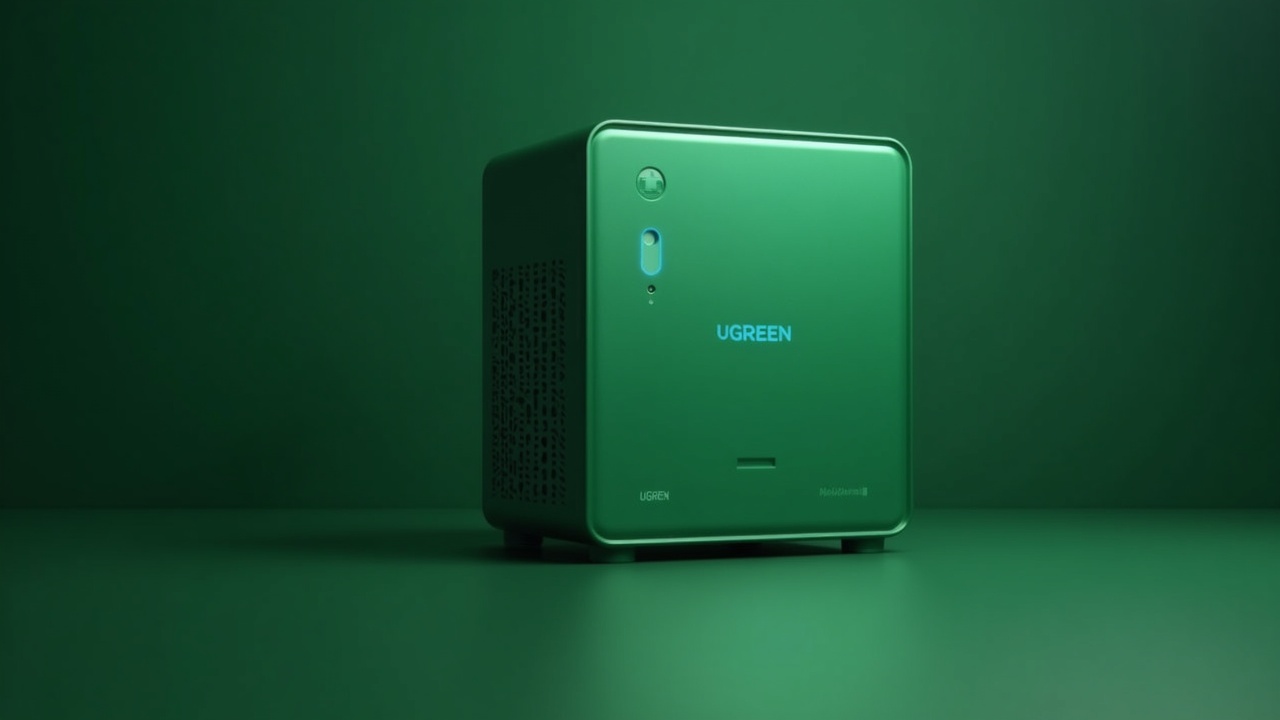
UGREEN was a charging-cable and accessory maker until a record-breaking 2024 crowdfunding launch put it in the storage business. The DXP4800 Plus is the proof the company is serious (nas.ugreen.com). The hardware is genuinely a tier above its price class: an Intel Pentium Gold 8505 (5-core, 12th-generation), 8GB of DDR5, dual M.2 NVMe slots on top of four SATA bays, and that decisive 10GbE port (newegg.com).
UGREEN raised $6,678,664 from 13,285 backers on Kickstarter in 2024 — hitting $1 million in just 38 minutes ((https://www.kickstarter.com/projects/ugreen/ugreen-nasync-next-level-storage-limitless-possibilities)). That's how a newcomer bought a seat at a table Synology had owned for two decades.
The weakness is UGOS Pro, UGREEN's operating system. It's improving fast — updates land roughly every 6–8 weeks — but the app library sits at just ~25–30 apps (iFeeltech). Reviewers estimate UGOS needs another 12–18 months to close the gap on Synology's backup and business tooling.
Pros:
- 10GbE networking standard — the headline advantage
- Newer Intel CPU with an iGPU that handles video transcoding
- 8GB DDR5 and dual NVMe cache/storage slots
- Up to 144TB — four 32TB SATA bays plus two 8TB NVMe slots, per UGREEN's spec sheet — and it runs any off-the-shelf NAS drive without penalty (nas.ugreen.com)
Cons:
- Young software ecosystem (~25–30 apps) with no business-backup equivalent
- Less battle-tested long-term reliability record
- Smaller third-party community for troubleshooting
Get the free VPN Buyer's Checklist 2026
The exact criteria, red flags, and questions to vet any VPN before you pay. Delivered instantly.
Free download. We email The Canopy Brief weekly. Unsubscribe anytime.
Pricing Breakdown
Sticker price barely tells the story. The real cost shows up when you add drives — and this is where Synology's recent history matters.
| Tier | Synology | UGREEN |
|---|---|---|
| 2-bay starter | DS224+ ~$299 | DXP2800 ~$280 |
| 4-bay prosumer | DS925+ ~$600–640 | DXP4800 Plus ~$620 |
| Mid 4-bay alt | DS923+ ~$599 | — |
At the same ~$620 sticker, the DS925+ and DXP4800 Plus look like a wash — but they aren't equally equipped. To get 10GbE, more RAM, and dual NVMe from Synology, you'd have to step up to a higher model, which pushes a like-for-like Synology build toward $850 or more. That's the math behind the "70% of the price" claim: matched on hardware, the UGREEN costs about a third less.
Then there's the drive question. In April 2025, Synology required Synology-branded or certified drives on its 2025 Plus-series models. Uncertified Seagate or Western Digital drives were blocked from creating storage pools, and features like deduplication, drive-lifespan analysis, and firmware updates were disabled (nascompares.com). Synology-branded drives carry a markup, so a fully populated 4-bay array could cost meaningfully more than the same capacity on a UGREEN.
Synology reversed the policy with DSM 7.3 in October 2025, after reports that sales were "plummeting" — third-party drives work again without warnings (mjtsai.com). But the company's "in the meantime" wording left room to bring restrictions back. UGREEN has never charged a drive tax. If you're weighing total backup strategy rather than just local storage, our breakdown of NAS versus cloud backup costs is a better place to start.
How We Evaluated
We compared these two systems on the criteria that actually determine five-year value, not just launch-day specs. Full methodology lives at /how-we-evaluate/. For this matchup specifically, we weighed: hardware per dollar (CPU, RAM, networking, capacity), software maturity and app depth, media-transcoding capability, business-backup tooling, and platform risk — including vendor policies like drive lock-in that quietly inflate the true cost of ownership. This comparison contains affiliate links; they don't change our scoring. All figures come from manufacturer product pages, retailer listings, and published third-party reviews — not hands-on lab testing.
Verdict
For most people in 2026, the UGREEN DXP4800 Plus is the smarter buy. You get demonstrably better hardware — faster networking, more memory, more capacity, real transcoding — at about 70% of the cost of an equivalently equipped Synology, with no drive tax attached ((https://www.howtogeek.com/ugreen-vs-synology-who-makes-the-better-nas-in-2026/)).
The Synology DS925+ is the runner-up, and it wins decisively in one scenario: you run a small business and need Active Backup for Business to protect Microsoft 365, Google Workspace, or VMware. That tool alone justifies the software tax for the right buyer. If your needs are storage, media, and file sharing, save the money and buy hardware. If your needs are mission-critical backup and you value a decade of stability, pay for the software.
Frequently Asked Questions
Is UGREEN NAS reliable enough to trust with important data?
UGREEN's hardware is well-reviewed, and its 2024 Kickstarter delivered to over 13,000 backers. The newer risk is software maturity — UGOS Pro is younger than DSM. Keep a separate backup regardless of brand, since no single device is a backup strategy.
Can the Synology DS925+ run a Plex media server?
It can run the Plex app, but it has no integrated graphics and therefore no hardware transcoding ((https://www.howtogeek.com/ugreen-vs-synology-who-makes-the-better-nas-in-2026/)). Direct-play files stream fine; anything requiring on-the-fly transcoding will strain the CPU. UGREEN's Intel iGPU handles this far better.
Did Synology really block third-party hard drives?
Yes. From April 2025, 2025 Plus-series models required certified drives to unlock full features. Synology reversed it with DSM 7.3 in October 2025, but the episode dented buyer trust (mjtsai.com).
Do I need 10GbE networking at home?
Only if you move large files between devices fast — video editing, big photo libraries, or multiple simultaneous streams. For routine backups and file sharing, 2.5GbE is plenty, and the Synology's slower port won't bottleneck you.
Sources
- Synology DS925+ product page
- UGREEN NASync DXP4800 Plus product page
- UGREEN DXP4800 Plus — Newegg specs
- UGREEN NASync Kickstarter campaign
- UGREEN vs Synology NAS 2026 — iFeeltech
- UGREEN vs Synology NAS 2026 — Valydex
- Synology 2025 drive lock-in confirmed — NAS Compares
- Synology reverses third-party drive ban — Michael Tsai
- UGREEN vs Synology in 2026 — How-To Geek
This article contains affiliate links. If you buy through them, we may earn a commission at no additional cost to you. As an Amazon Associate, we earn from qualifying purchases. See how we evaluate.
The Canopy Brief
One financial insight. One career move. One tool worth knowing. Every Monday. 5 minutes. No fluff.
Free. No spam. Unsubscribe anytime.
Canopy Picks
Products we've vetted and recommend. We may earn a commission at no extra cost to you.
-
NordVPN
Encrypt your browsing and protect your data on any network. -
The Lean Startup by Eric Ries
Build-measure-learn — the framework behind modern product development. -
Zero to One by Peter Thiel
How to build something new instead of copying what exists. -
Deep Work by Cal Newport
Focus is the new IQ — rules for deep work in a distracted world. -
Atomic Habits by James Clear
The system behind building better work habits.
Found an error? At Canopy Press, accuracy comes first. If you spot a claim that needs checking, let us know at [email protected] — we'll verify and correct it immediately.
Found an error? At Canopy Press, accuracy comes first. If you spot a claim that needs checking, let us know at [email protected] — we'll verify and correct it immediately.
Sources
- Ugreen vs Synology NAS 2026: AI NAS vs Legacy Platform — iFeeltech
- UGREEN vs Synology NAS 2026: DXP4800 Plus vs DS925+ Comparison — Valydex
- Synology DS925+ Product Page
- UGREEN NASync DXP4800 Plus Product Page
- UGREEN NASync DXP4800 Plus — Newegg listing/specs
- Synology 2025 NAS Hard Drive and SSD Lock In Confirmed — NAS Compares
- Synology Reverses Ban on Third-Party Hard Drives — Michael Tsai
- I've been a Synology die-hard for years, but this brand finally won me over — How-To Geek
- Synology's locked-down policies makes the DS925+ a worse NAS than it could have been — XDA Developers
- UGREEN launches Kickstarter campaign for the NASync line — Liliputing
Explore by topic